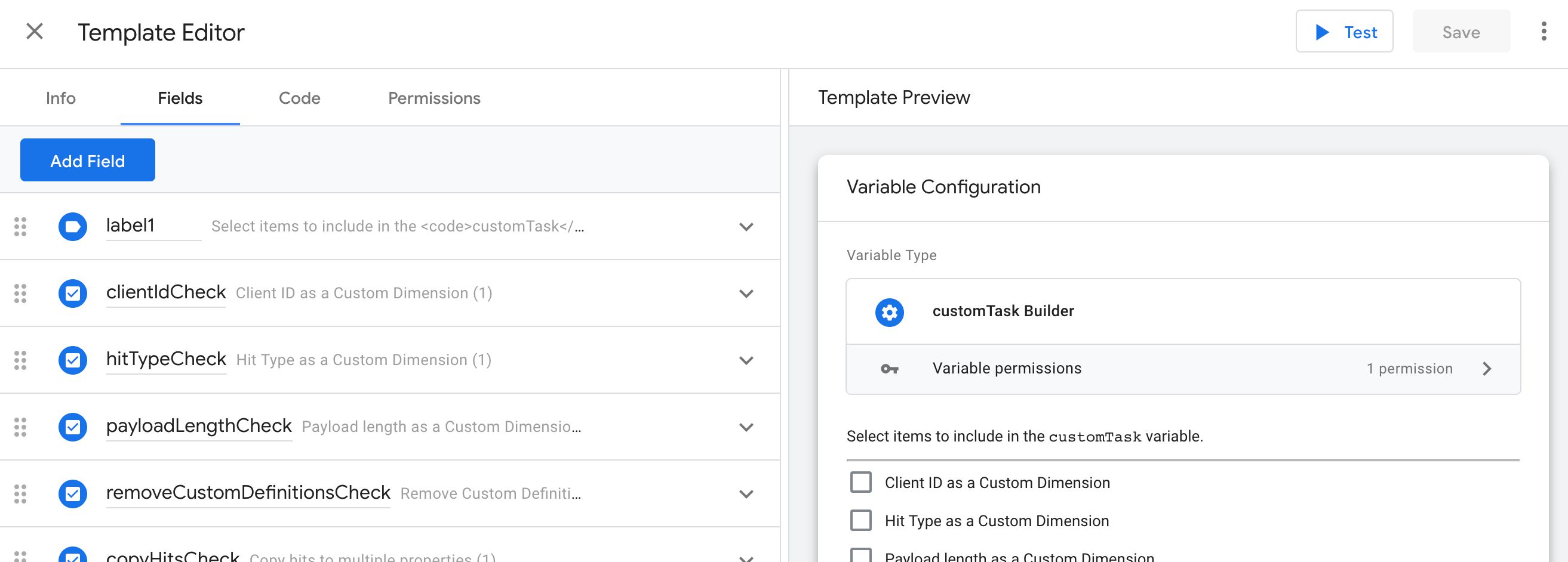
After the recent release of Custom Templates for Google Tag Manager, my mind has been occupied by very little else. However, I have a nagging feeling that due to how involved the feature set is, there’s still a lot of demystifying that needs to take place before templates …
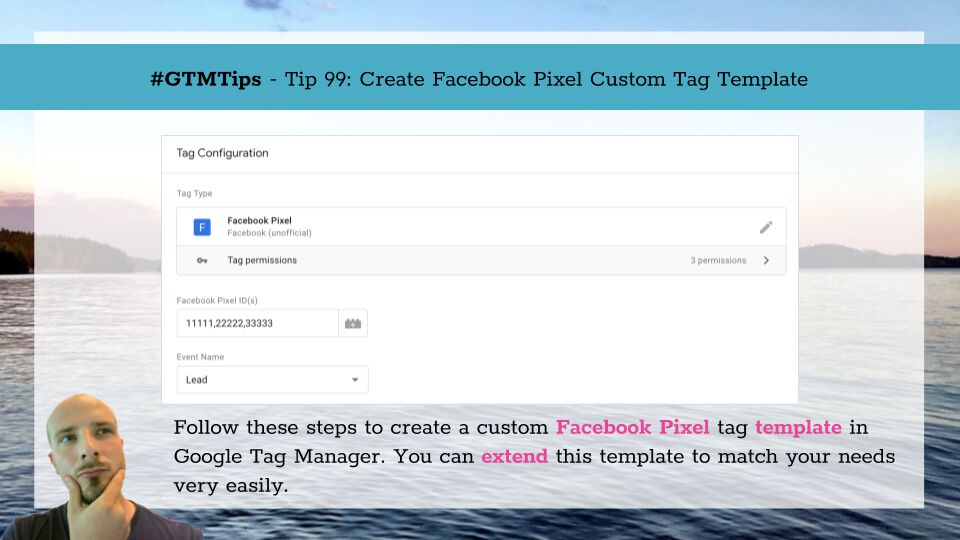
Last updated 12 August 2020: Added details about server-side tagging. As I have finally managed to pick up my jaw from the floor, it’s now time to tell you what’s got me so excited. Google Tag Manager recently released a new feature called Custom Templates. Actually, …

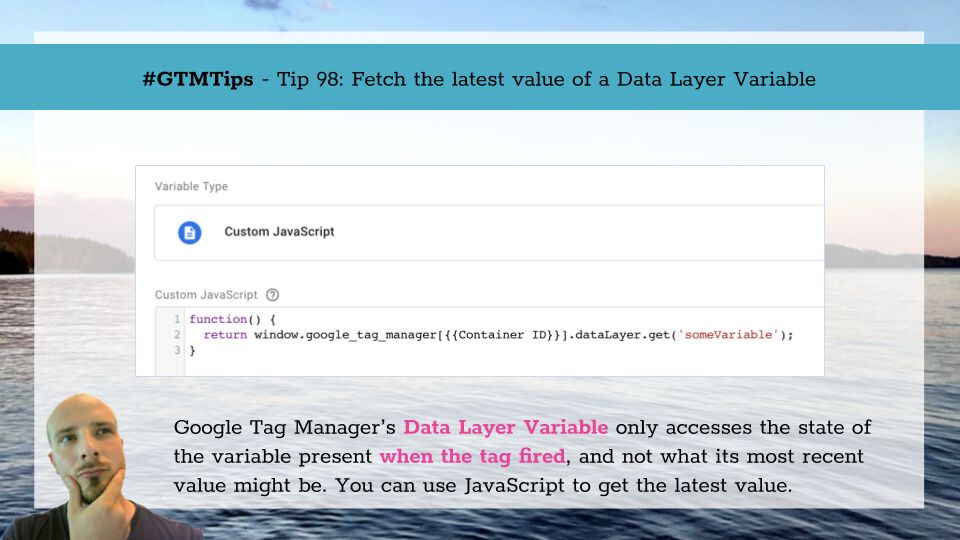
One of Google Tag Manager’s oldest and most reliable features is that it freezes the state of Data Layer variables to the moment when the trigger event occurred. Thus, any tags firing on this trigger (and any variables resolved on this trigger event) will always have access …

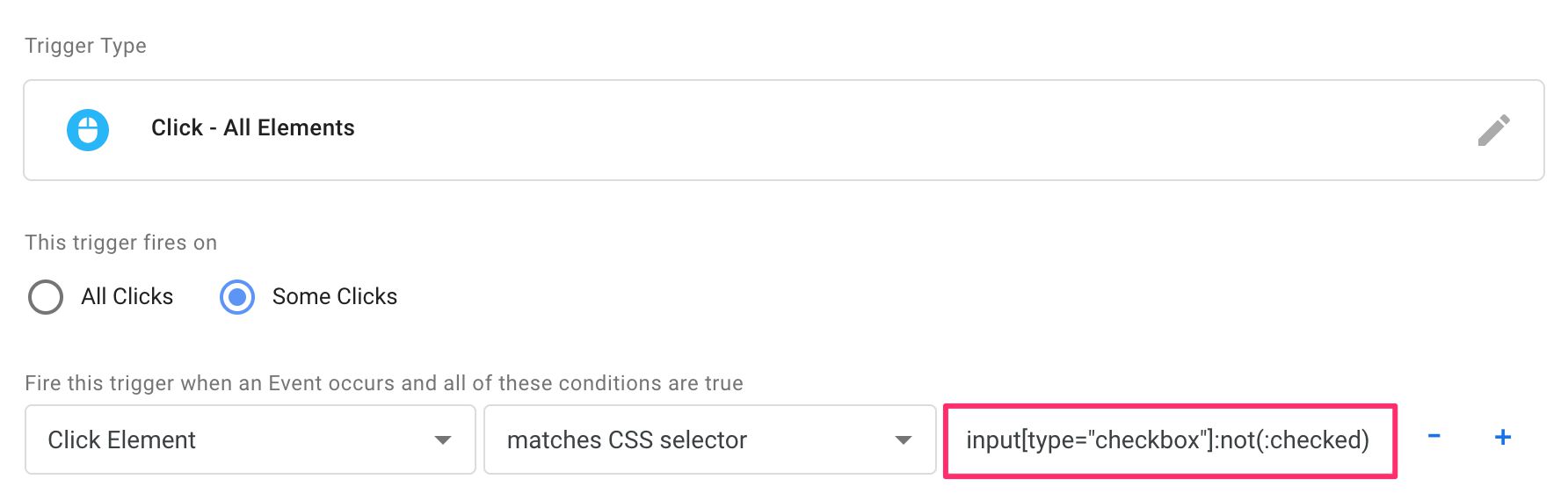
Some four years ago, Google Tag Manager released a new trigger predicate named matches CSS selector. Slowly but surely, it has evolved into one of the most useful little features in GTM. Even though I’ve written about CSS selectors many times before, I wanted to compile all …

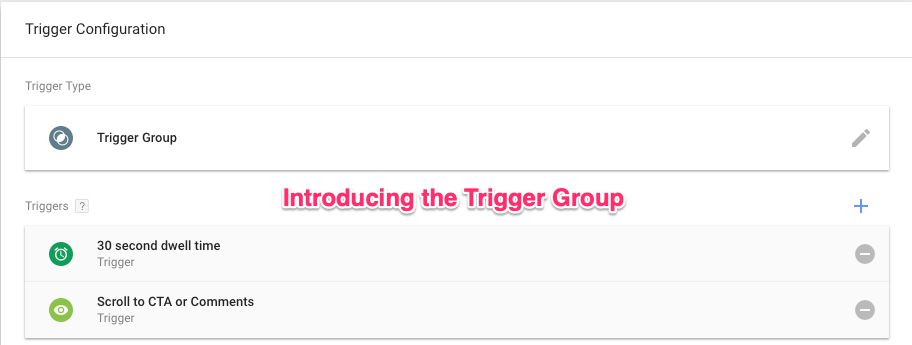
Trigger Group is the newest trigger type you can add to a tag in Google Tag Manager. It allows you to establish dependencies between multiple triggers, not firing the tag until every trigger in the group has fired at least once. This establishes an interesting new paradigm in …

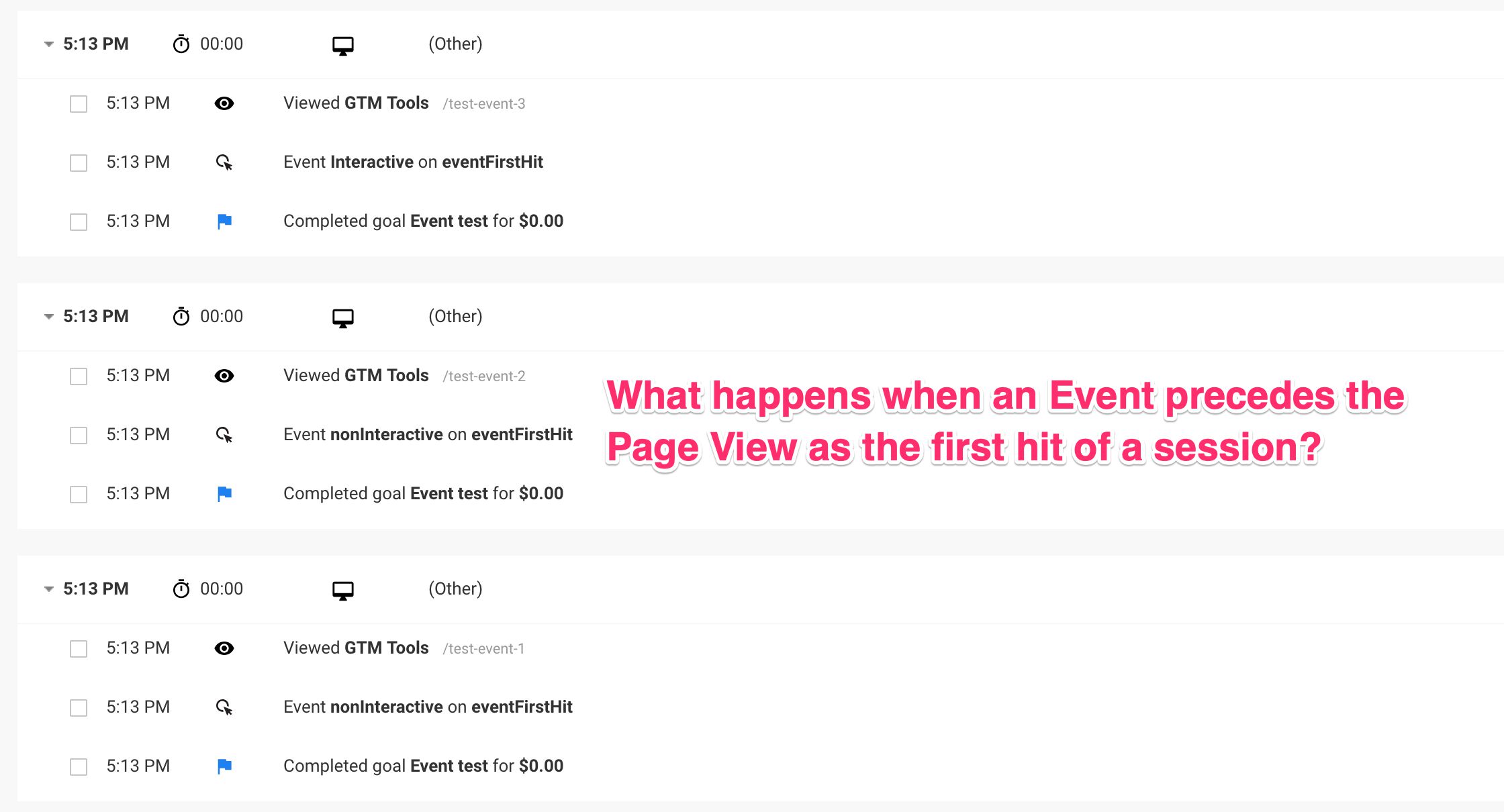
One of the myths surrounding Google Analytics is that the first hit of a session should always be a pageview. It makes sense - sessions are initialized with a landing page, and thus need a page view to have one. However, in this article I want to show you empirically how this …

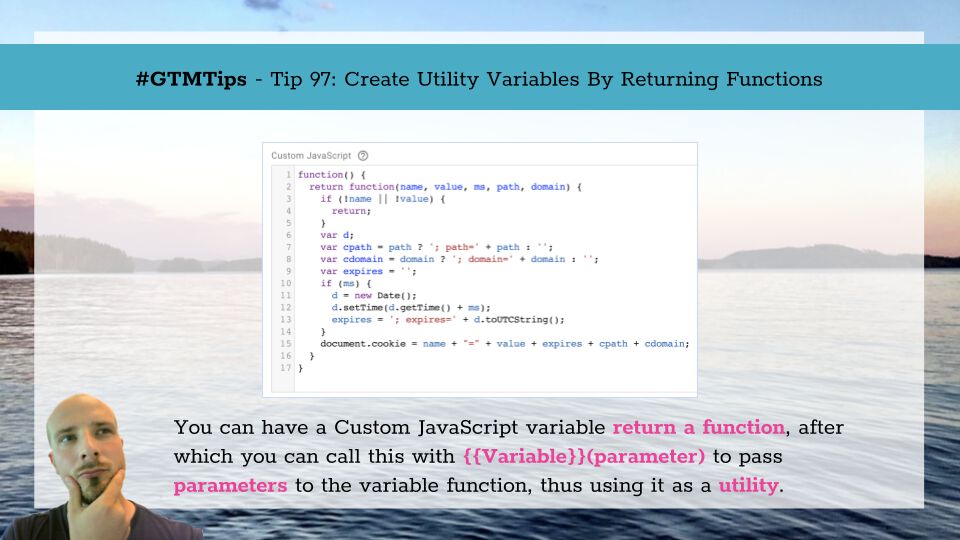
In Google Tag Manager, the Custom JavaScript variable is an anonymous function with a return statement. It does not take any parameters, and by default it’s impossible to pass any parameters to it, because the Custom JS variable is simply resolved to whatever value the …