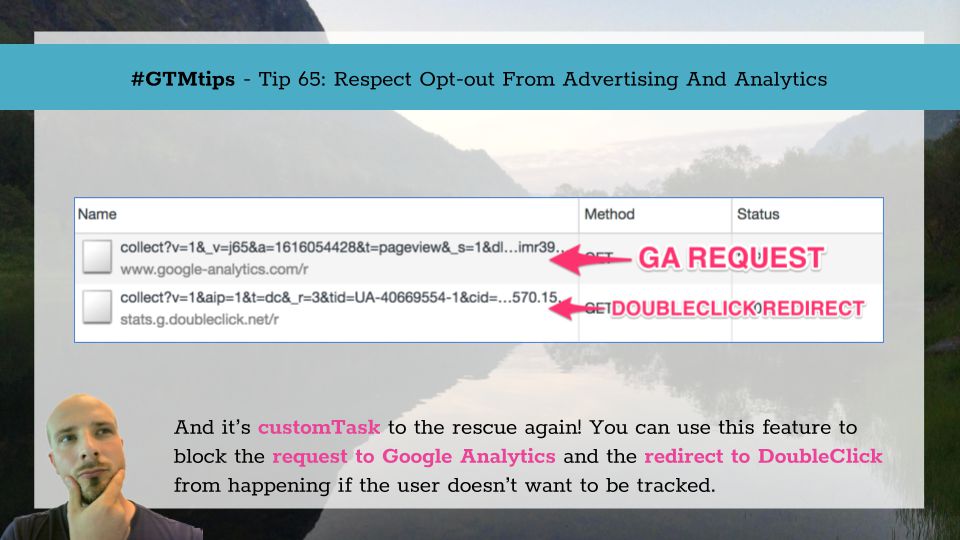
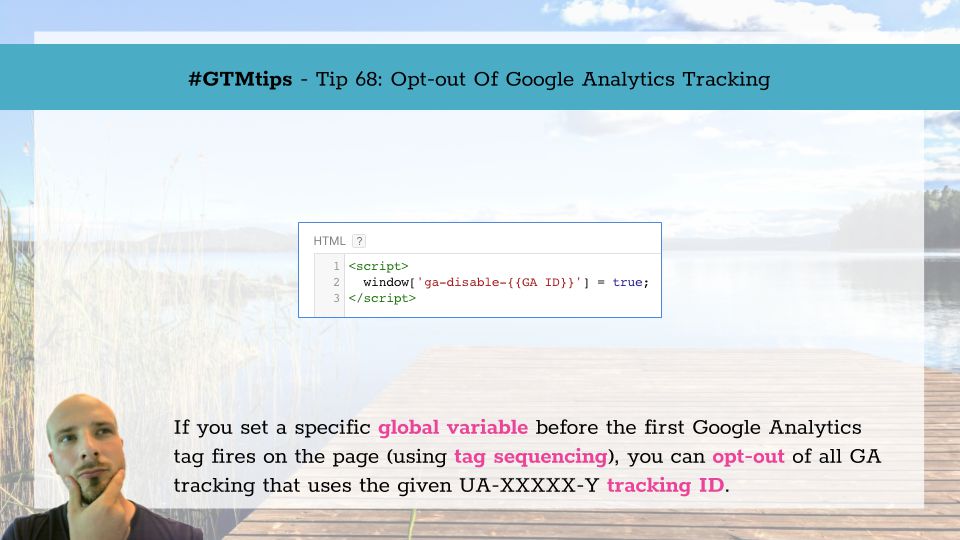
A while ago I posted a #GTMTips post where I detailed the steps you can take to opt-out of all Google Analytics tracking and the DoubleClick redirects that often follow. It was a fun exercise, but because it relies on preventing requests on a tag-by-tag basis (using the …
Update 5 March 2019 due to GTM not supporting negative lookbehinds any more. Google Tag Manager makes it fairly easy to do cross-domain tracking. Basically, you list the hostnames you want to automatically decorate with linker parameters in the Auto-Link Domains field of your …

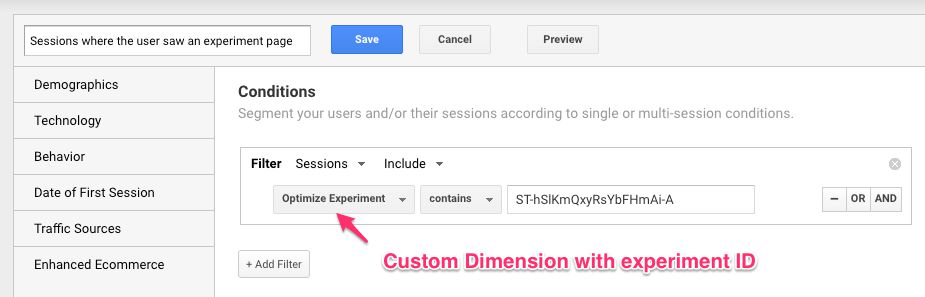
I really like Google Optimize. It has a fairly intuitive UI, setting up experiments is easy, and there’s integrations for both Google Tag Manager and Google Analytics built into the system. It’s still a JavaScript-based, client-side A/B-testing tool, so problems with …

With GDPR looming around the corner, it’s time to explore the options you have at your disposal for respecting the new, stricter regulations for tracking users and for collecting data about their visits to your website. UPDATE 20 June 2018: Google has released the …

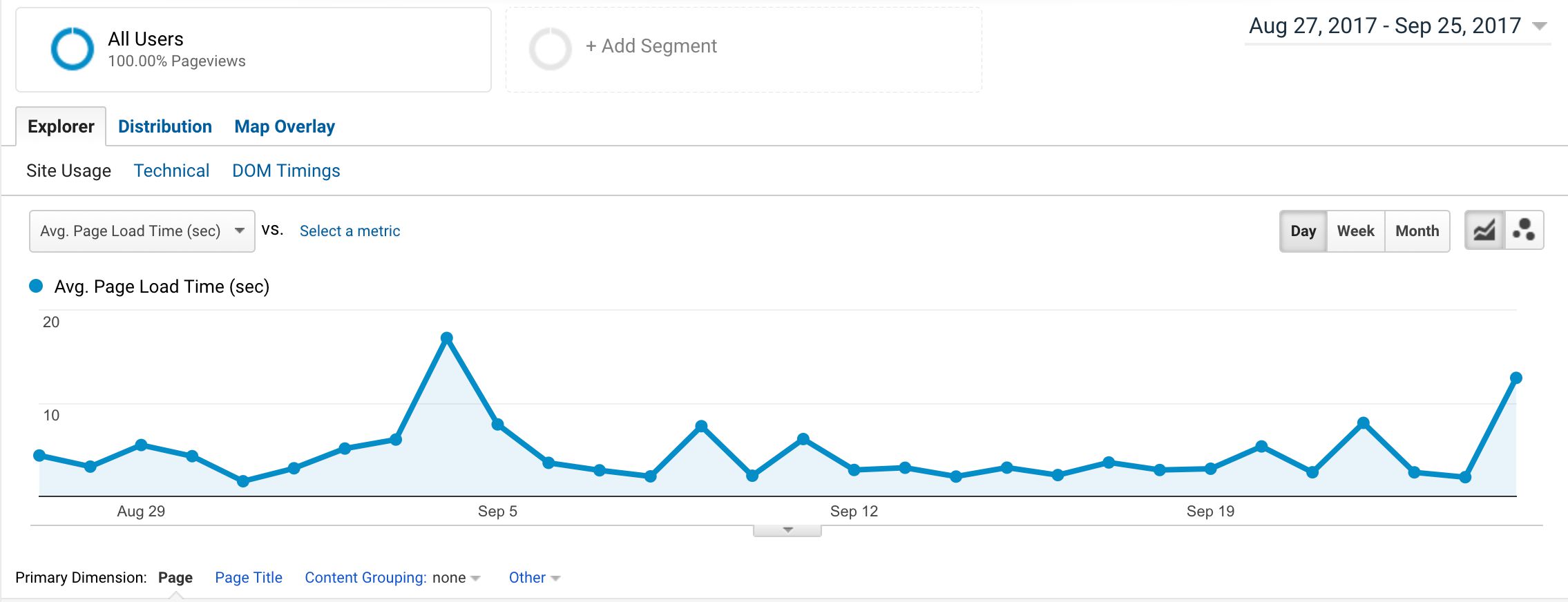
Universal Analytics can collect Page Timing data from users that load your pages. This data is populated in to the Behavior -> Site Speed -> Page Timings report, and it’s a very useful feature for optimizing your website. However, there’s a murky underside to …

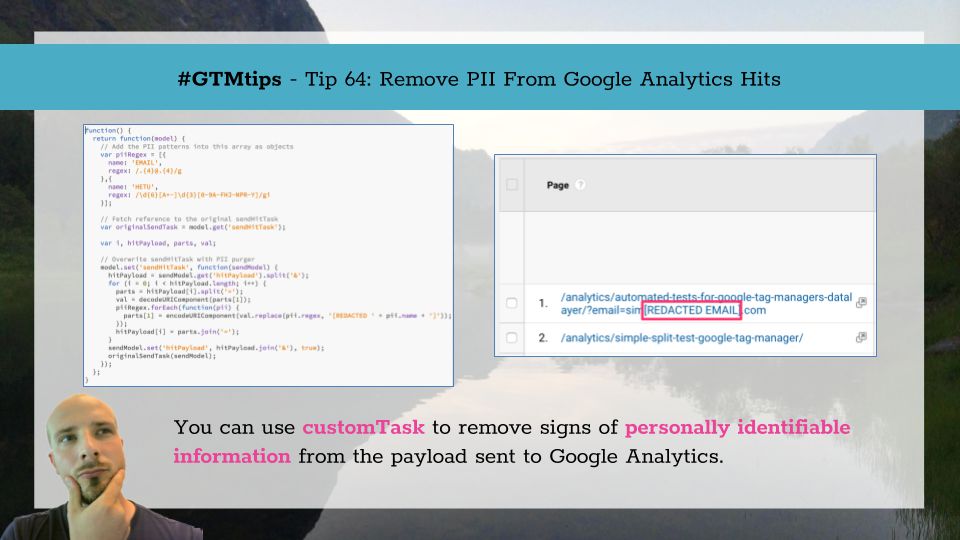
Sending personally identifiable information (PII) to Google Analytics is one of the things you should really avoid doing. For one, it’s against the terms of service of the platform, but also you will most likely be in violation of national, federal, or EU legislation …

The steady increase in mobile use over the last years has introduced some new challenges for web analytics. It’s not just about mismatches in the tracking model (the concept of sessions is even more absurd for apps than it is for desktop browsing), but about something more …