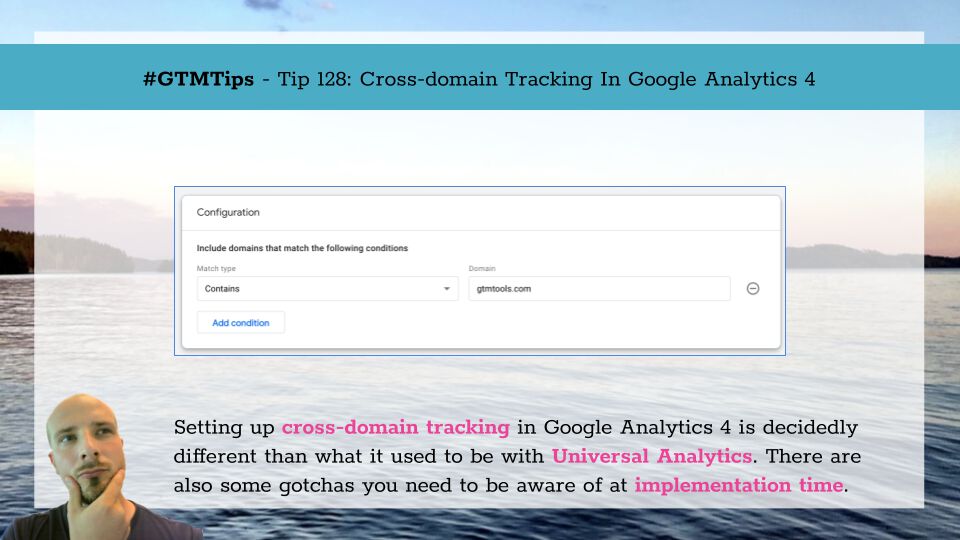
Setting up cross-domain tracking in Google Analytics 4 has been well-documented. The main departure from Universal Analytics is how cross-domain measurement is something you configure through the Google Analytics user interface rather than through implementation and JavaScript. …
Updated 25 May 2021: Added information about using this with GA4. As Google Analytics 4 does not have a mechanism to disable cookie storage, only the second solution (send dataLayer events from iframe to the parent) described in this article will work for GA4. Here I am, back …

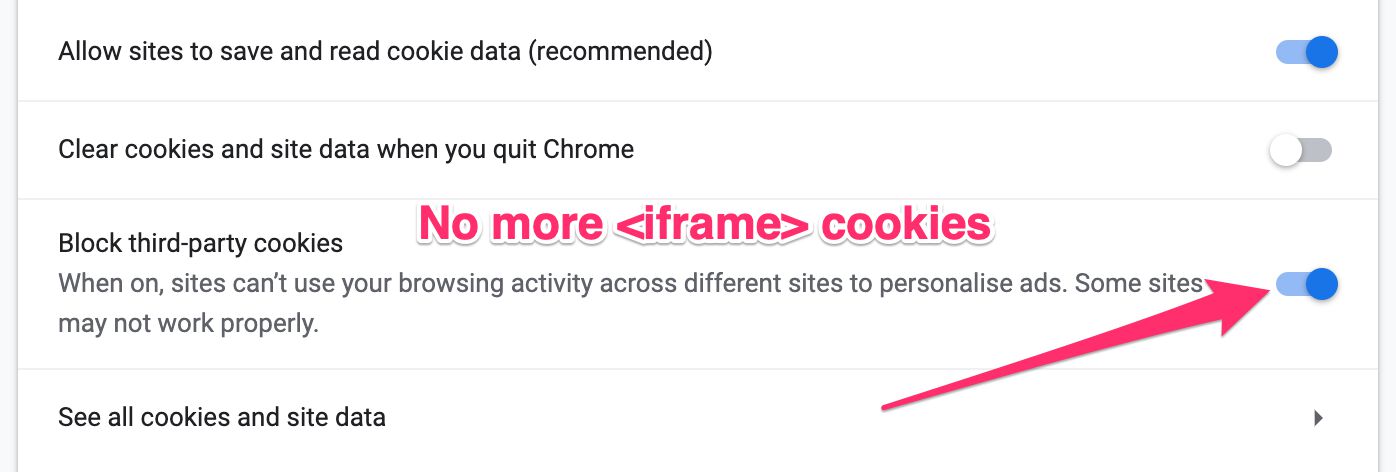
Getting cross-domain tracking right in Google Analytics is difficult. Even if you use Google Tag Manager. There are many known issues when cross-domain tracking iframes, for example. Google Tag Manager implements the cross-domain tracking plugin quite handily via the Universal …

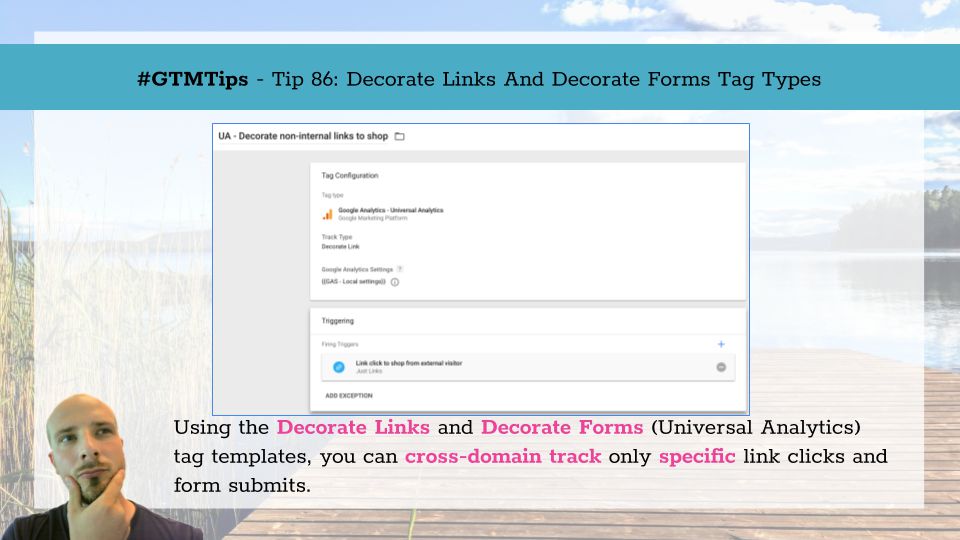
Update 5 March 2019 due to GTM not supporting negative lookbehinds any more. Google Tag Manager makes it fairly easy to do cross-domain tracking. Basically, you list the hostnames you want to automatically decorate with linker parameters in the Auto-Link Domains field of your …

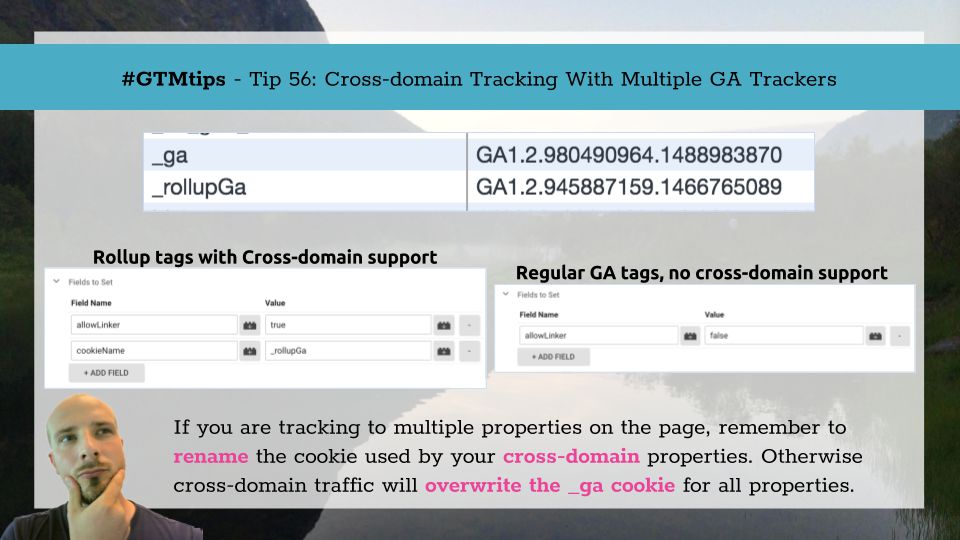
To be fair, this tip isn’t just for Google Tag Manager but for regular old on-page Google Analytics as well. It’s one of those little things that’s corroding your data quality without you ever realizing it. Namely, this tip is about how to handle cross-domain …
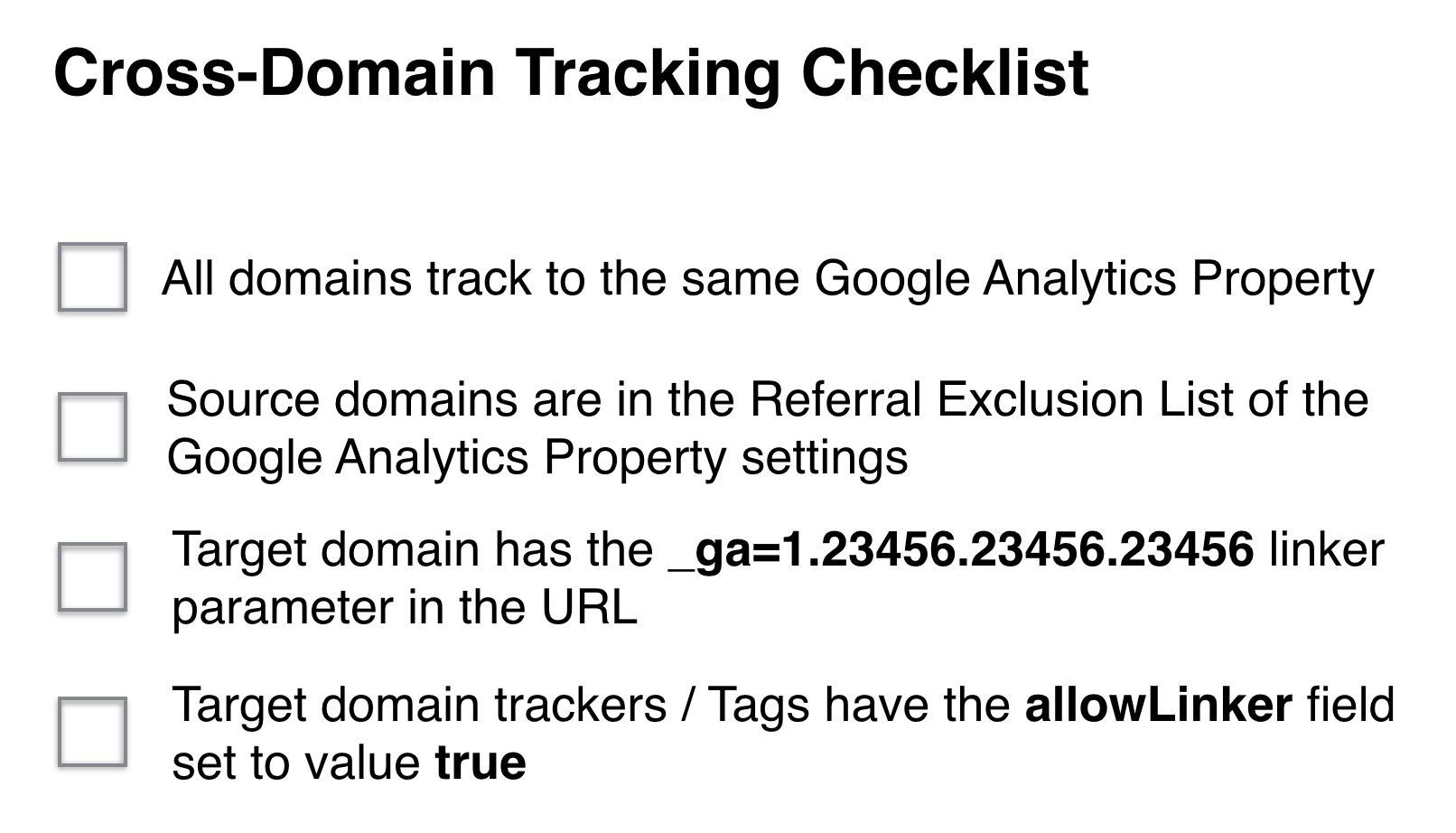
Cross-domain tracking, in Google Analytics, is the process of passing information stored in browser cookies from one domain to another. Due to web browsers’ same-origin policy, a browser cookie is only available to the domain it is written on and all its subdomains (by …