Google Tag Manager has a new, AI-powered feature. It’s not flashy, it’s not prominent, and it’s not something you’d make a big deal out of. However, it contributes to an absolutely vital part of container management that many, many people neglect: version naming.
With this new feature, Google Tag Manager generates a Version Name and Version Description automatically from your workspace changes.
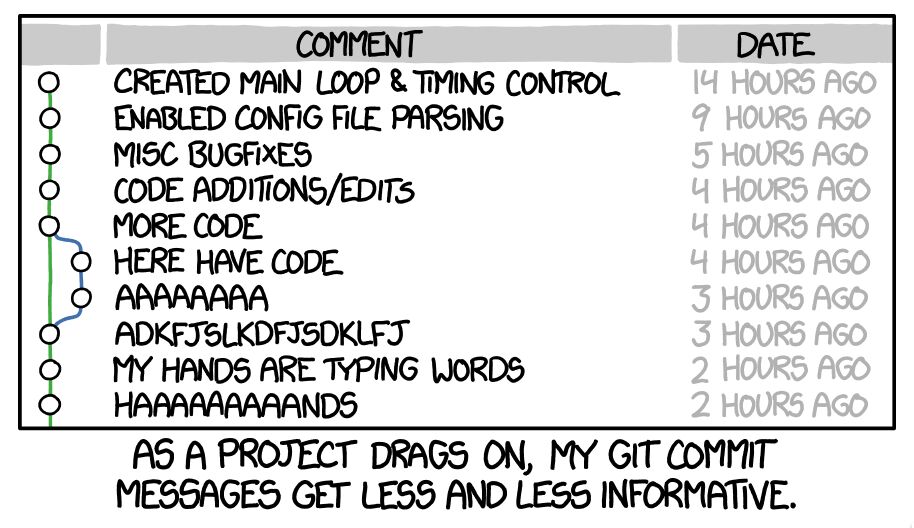
Container versions are often named lazily or not named at all. However, proper naming ensures that the version history is actually useful. Having a consistent log of what was updated makes it easier to review key milestones in the container history, and it also helps avoid this:
The feature is set on by default in GTM containers, and it’s available in the version creation flow. Read on for more details.
XThe Simmer Newsletter
Subscribe to the Simmer newsletter to get the latest news and content from Simo Ahava into your email inbox!
Tip 144: Automatically generate version information
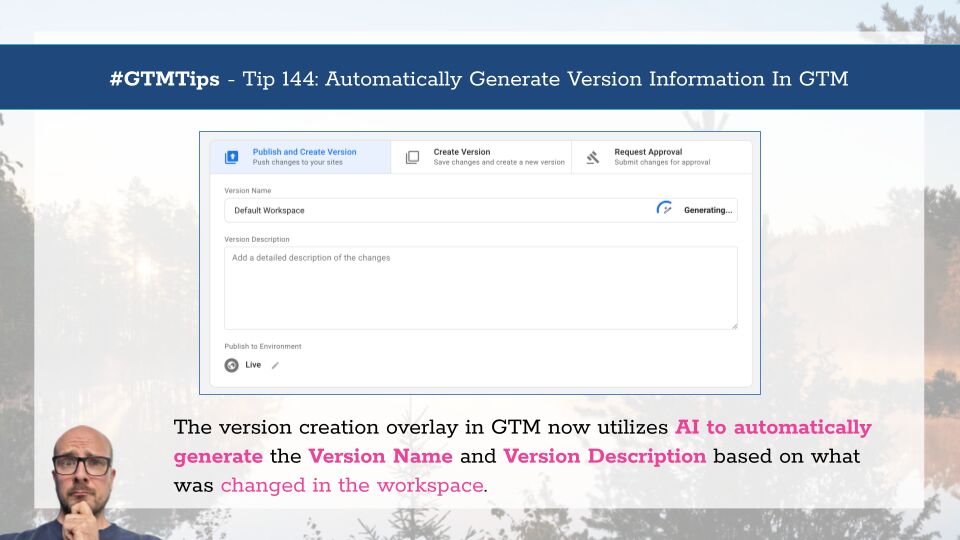
After you’ve made changes (and previewed them) in your container, you typically click Submit to either publish the workspace directly or first create a version of it.
Now you’ll see a new Generating… label in the Version Name field when the overlay first appears.
Once done, it will automatically produce a Version Name and Version Description with a list of things that were changed.
If you make further changes to the workspace or abandon an existing change, a Suggest button appears, which lets you regenerate the metadata.

If you want to disable this behavior and prevent the AI model from generating version metadata, you can toggle the Suggested version summary switch to the OFF position.
Here’s an important detail (applies to all AI generation):
Use this as a starting point! Make sure you review the version name and description, and add any vital changes the generator might have missed. It doesn’t produce an exhaustive list of all that was changed. It seems to focus on what it considers to be the most important and significant changes, but even this might be different from one generation cycle to the next.
For example, in the image above it neglected to mention that I actually paused 29 tags before hitting the Submit button! This seems like a pretty significant deal, but the generator didn’t mention it. So to make it more accurate, I would then manually update the version name and description to include this detail.
AI generation isn’t perfect, but it’s a good starting point to nudge GTM users to better annotate their container versions. Your future self will thank you for this!
What do you think of this feature?