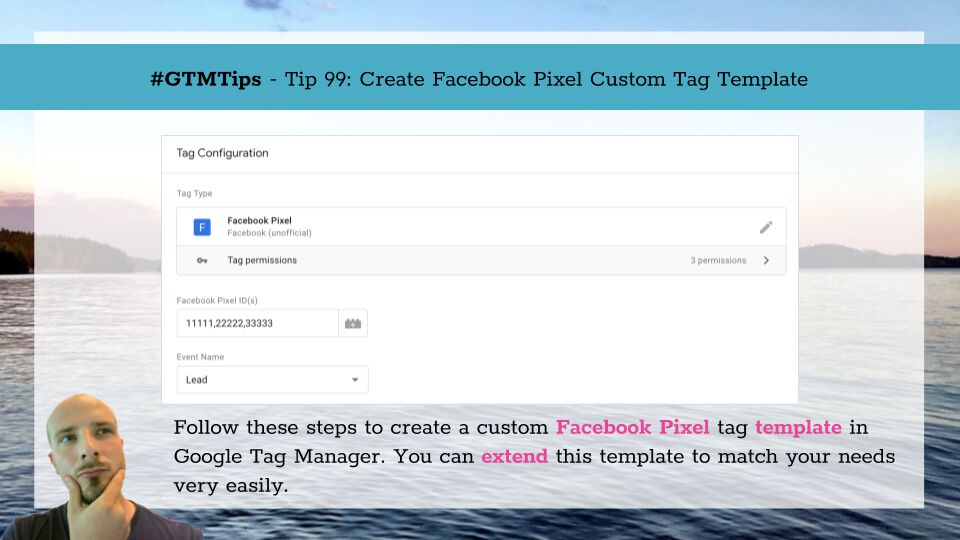
After the recent release of Custom Templates for Google Tag Manager, my mind has been occupied by very little else. However, I have a nagging feeling that due to how involved the feature set is, there’s still a lot of demystifying that needs to take place before templates …
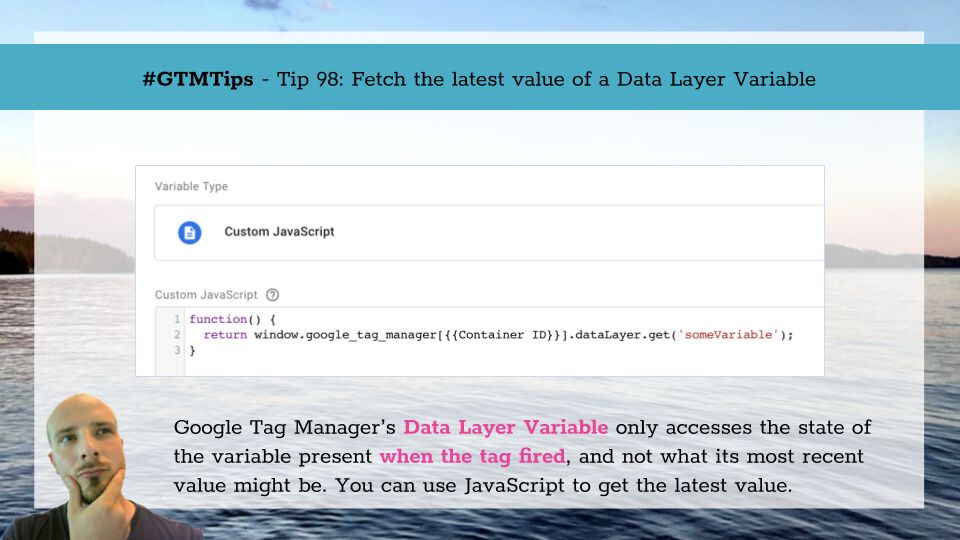
One of Google Tag Manager’s oldest and most reliable features is that it freezes the state of Data Layer variables to the moment when the trigger event occurred. Thus, any tags firing on this trigger (and any variables resolved on this trigger event) will always have access …

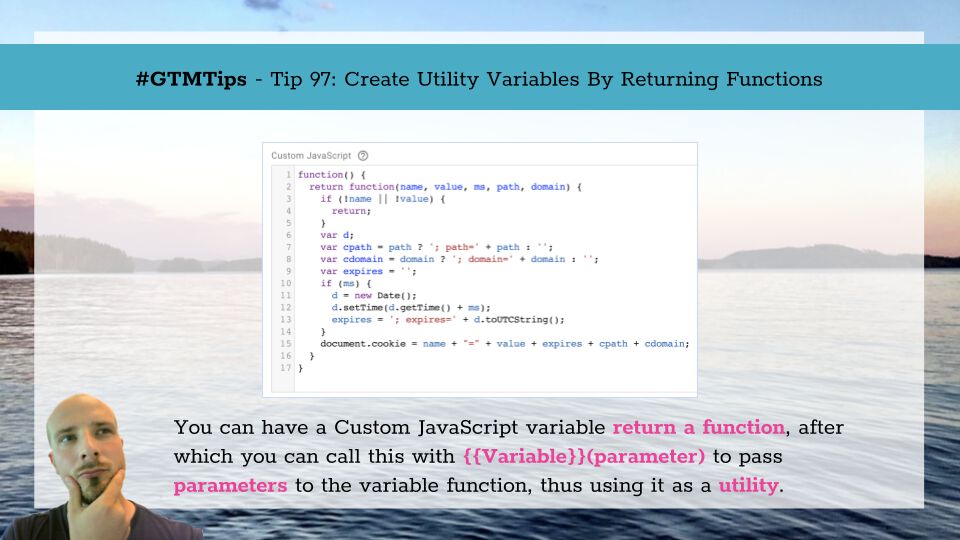
In Google Tag Manager, the Custom JavaScript variable is an anonymous function with a return statement. It does not take any parameters, and by default it’s impossible to pass any parameters to it, because the Custom JS variable is simply resolved to whatever value the …

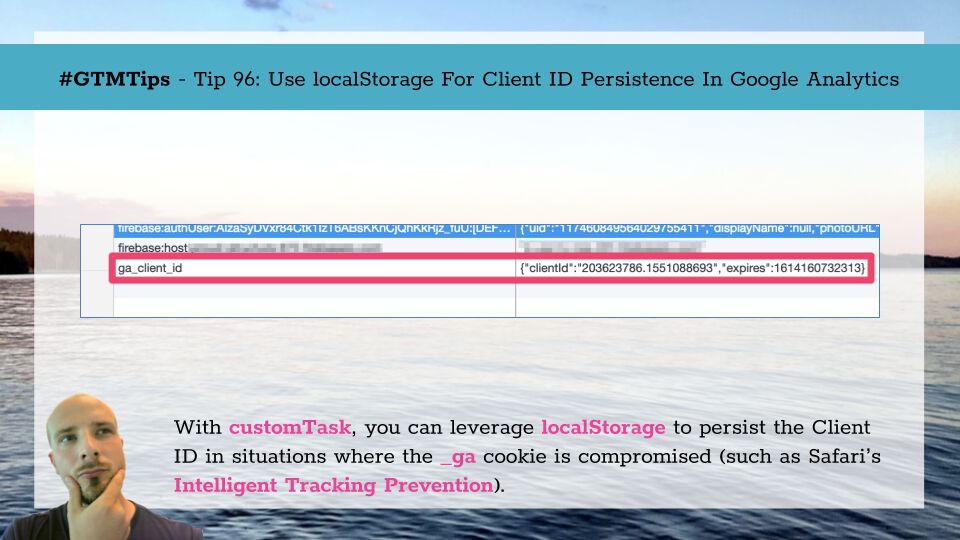
Updated 1 October 2019 With ITP 2.3 it looks like Safari is reducing the usefulness of localStorage as well, so this solution should not be considered future-proof. The only stable way to persist client-side data at the moment seems to be HTTP cookies. Updated 7 March 2019 - …

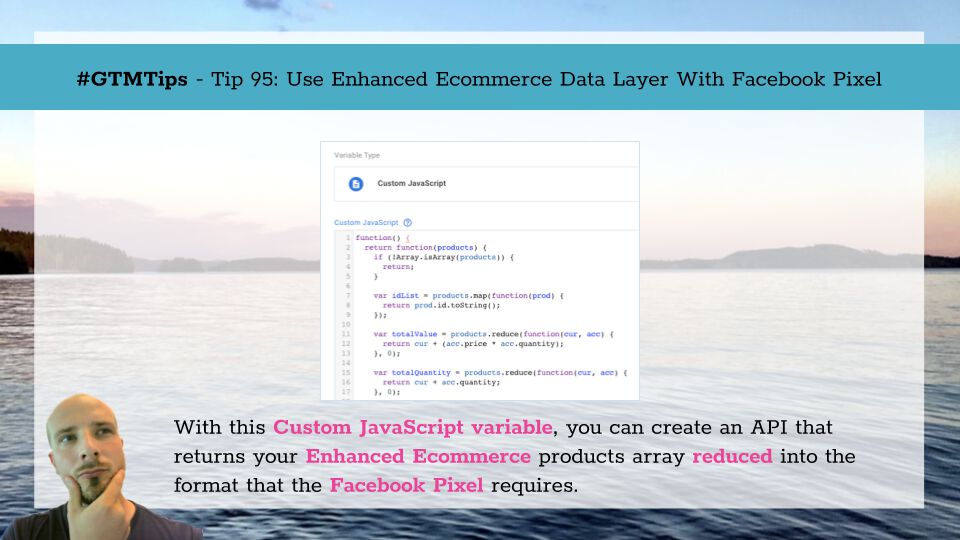
A recurring question in the Google Tag Manager communities (e.g. product forums) is how to use an Enhanced Ecommerce dataLayer object with the Facebook pixel code? It’s a common question since running a Facebook conversion pixel on a site that also collects data from the …
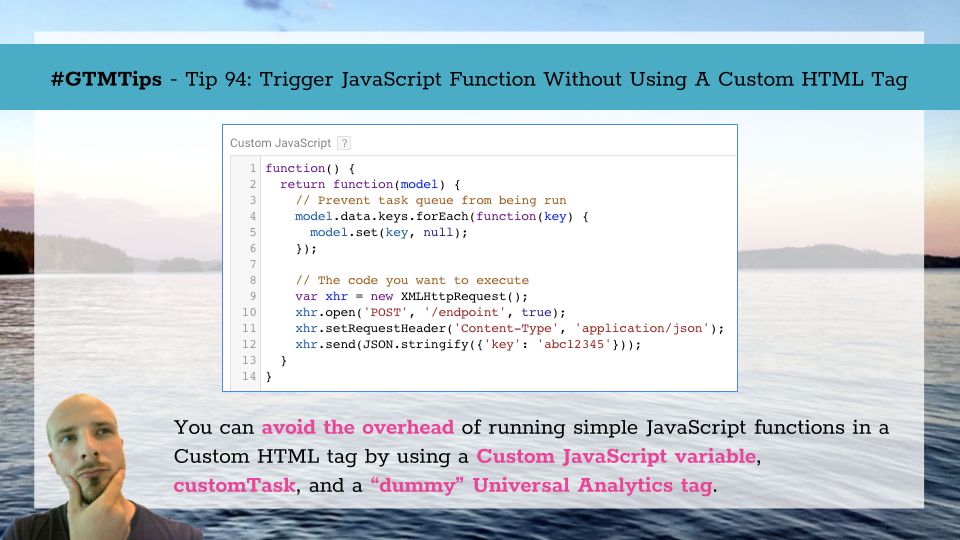
Last updated 9 October 2020: customTask updated to a more stable version. The Custom HTML tag in Google Tag Manager is splendid. It’s your go-to tool when you need to run arbitrary JavaScript on the webpage. Some might even use it to actually add HTML elements to the page, …

Thanks to the intrepid detective work of Jørn Reidel and Ahmed Marof, it looks like one of the big hurdles for doing a full migration from using the legacy Google Analytics and Google Tag Manager SDKs to the latest Tag Manager + Firebase SDK is now a non-issue. The issue is, of …