#GTMTips: 10 Blogs, 10 Articles, 10 People to Follow

Quite a while ago, I wrote an article on what I considered (then) to be my favorite Google Tag Manager resources. Many of them are still very valid, but I still wanted to write a follow-up. Times have changed, and GTM is very different from what it was two years ago when I wrote the post.

So in this article, I want to divert your attention to 10 blogs, 10 articles, and 10 people - all which are and/or share excellent Google Tag Manager content on a periodic basis.

Read More…

#GTMTips: Track JavaScript Errors as Events

Back back to the friggin’ basics. Almost two years ago, I wrote a two-parter on how to have fun with Google Tag Manager: Part 1, and Part 2. The first part had a nice exercise for tracking JavaScript Errors as Google Analytics Events, using the recently published “JavaScript Error Listener” Tag.

Well, that was in GTM V1. Now we’ve been smoothly sailing with the wonderful new interface for well over a year, and it’s time to update some of these nifty tricks. In this #GTMTips post, I’ll show you how to track uncaught JavaScript errors in the new interface, plus give you some tips on the overall process.

Read More…

Track Content Engagement Part 2

A couple of days ago, I wrote an article on tracking content engagement. Even though the solution itself works, and it’s a really neat trick if I can say so myself, it has its problems.

After all the glory I showered on User Timings in Google Analytics, they have one serious flaw: they cap at 10,000 samples per day. What a ridiculous, arbitrary limit.

In any case, this means that if you have enough traffic to accumulate 10K user timing hits per day, it means that the solution I provided in the previous article will not work for you, as the Pageviews will not be capped, meaning the calculation of Total Engaged Time / Pageviews will be skewed.

Read More…

Track Content Engagement via GTM

When looking at Google Analytics reports, you’d think you get a pretty good idea of how people are interacting with your site, right? I mean, you’re tracking events here, pageviews there, and user timings, custom dimensions, custom metrics, and calculated metrics are all part of your daily lingo. But you’re also probably aware of how futile this tracking is. After all, all you’re seeing are numbers that reflect certain outcomes the visitors have produced on the website, and how these outcomes match against your preconceived goals and objectives, right? It’s difficult to wrap your head around the individual use cases that constantly take place on the site, and to draw overarching conclusions or unearth business trends on the basis of these data sets can be very problematic indeed.

Read More…

#GTMTips: Check if DOM Ready or Window Loaded Have Fired

Every now and then I run into a problem which needs some creativity to find a fix. When choosing a course of action, I tend to land first on an extremely complicated solution. However, if I’m patient enough, I manage to whittle it down to something far more manageable and efficient.

In this #GTMTips post, I’ll show you one of these extremely simple solutions to a problem which you might normally overcomplicate. The solution is a very well hidden feature of Google Tag Manager, buried deep in the bowels of the google_tag_manager interface.

Read More…

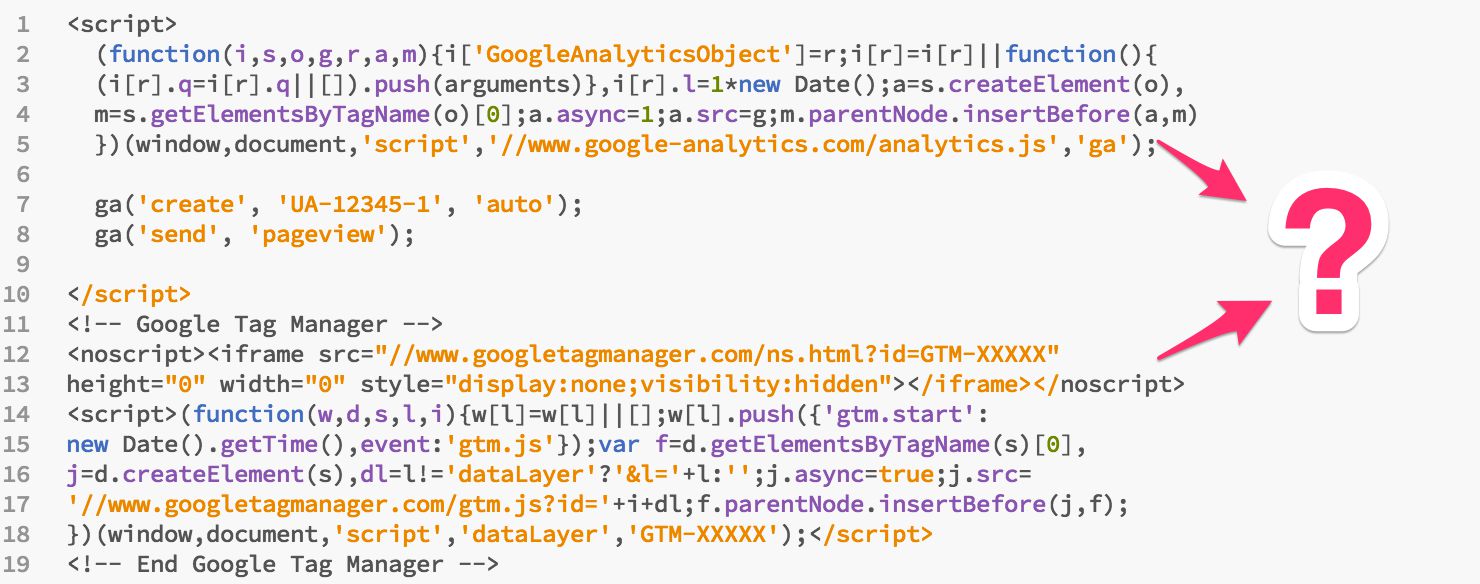
GA Snippet and GA (GTM) Tag on the Same Page

In this article, I’m going to tackle one of the most frequently asked questions out there:

Can you run Google Analytics using the snippet AND using a Google Tag Manager Tag on the same page?

There are many facets to this query, so I’ll try to tackle as many of them as I possibly can.

First, a terminology rant. You hear lots of talk about “on-page” and “inline” Google Analytics tracking, as that’s what’s used to describe the non-GTM way of tracking Google Analytics. Well, all the power to you, but I think they’re just adding to the confusion. GTM is just as “on-page” and “inline” as GA’s own snippet, as both are based on injecting an asynchronous HTTP request that downloads the respective library.

Read More…

#GTMTips: Be Careful With the Tracker Name Setting

Hello friends! Today I want to direct your attention to a dangerous setting found within the bowels of the Universal Analytics Tag template in Google Tag Manager. In fact, GTM itself highly discourages you from meddling with it:

I actually agree with this warning. It should be highly discouraged, as modifying the tracker name introduces a potential hazard to your tracking plan, unless you know what you’re doing.

Read More…

#GTMTips: Data Layer Variable Versions Explained

Google Tag Manager’s Data Layer is something I’ve touched upon in pretty much all of my articles. It’s such an integral part of what makes a tag management solution great and applicable to a host of business scenarios. I’ve also talked at length about the internal data model of Google Tag Manager, and this #GTMTips post is very much related to this rather murky concept.

In this post, we’ll go over the Data Layer Variable Version selection, and I’ll try to explain just what this selector does.

Read More…

Cookie Settings and Subdomain Tracking in Universal Analytics

Welcome back my friends (to the show that never ends)! It’s been a couple of weeks since my last barrage of articles, and I think the time is ripe to do some testing!

First things first, here’s a picture of me shovelling snow:

And now back to the topic at hand.

One of the things that seems to be a hot topic in Universal Analytics is cross-domain tracking. I’ve never really tackled the beast head-on, since there’s such a wealth of excellent articles about it out there. However, I have taken a plunge into the deep end with some specific stuff, such as iframe and subdomain tracking.

Read More…

Track Dynamically Loaded YouTube Videos in Google Tag Manager

Tracking YouTube videos in Google Tag Manager is one of the more useful things you can do in terms of tracking. YouTube has a wonderful API that you can tap into and convert the detected events into dataLayer messages.

There are some really good solutions out there for tracking YouTube videos in GTM:

Both do a great job of tracking videos that have been loaded with the page. However, both have difficulties with tracking dynamically loaded videos. That means videos which are loaded lazily, or in pop-ups, or when some content link is clicked.

Read More…