Clarification on GTM Auto-Loading Google Tag for Ads and Floodlight Events

Google Tag Manager users received an email on March 11th, where Google announced a very cryptic update to Google Tag Manager:
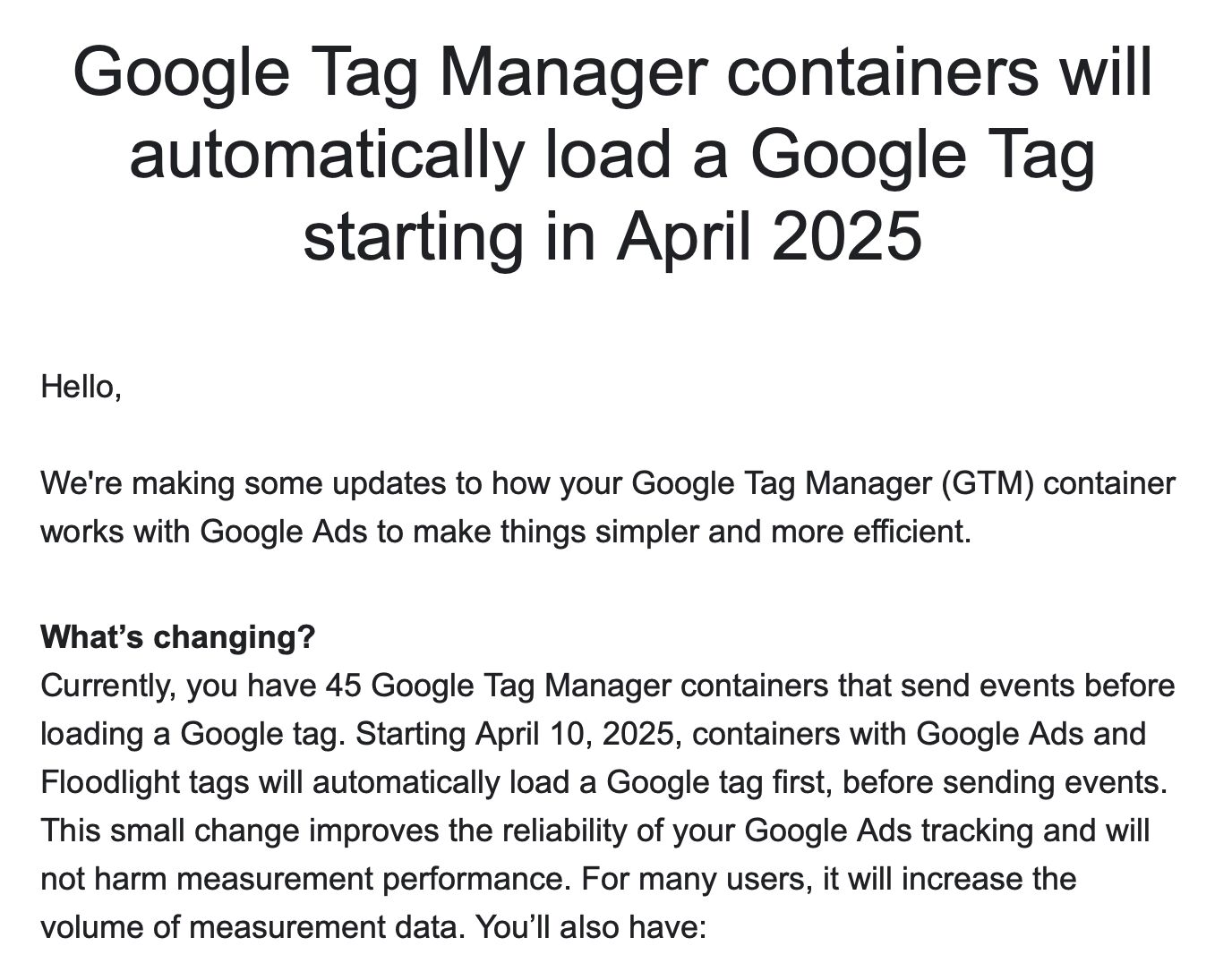
As is typical with Google’s email communications, the email raised more questions than it answered.

Even though I tackled the email in a LinkedIn thread, there’s still a lot of misunderstanding (and misinformation) going about.

In this short article, I’ll explain what Google is going to do on April 10th.

Read More…
Consent Mode V2 for Google Tags

**Last updated March 7, 2024. Clarified that you do NOT need to resend hits when consent is granted, if those hits were collected on the same page when consent was denied.

Google’s Consent Mode continues to be a hot topic, especially since in 2024 it will be required to implement Consent Mode in case a website or app is collecting data for audience building or remarketing with Google’s advertising services.

I’ve discussed consent mode before, and I’ve also built a Google Tag Manager community gallery template for managing Consent Mode on a website.

Read More…

The Google Tag Template in Google Tag Manager

Google is going all-in with Google Tag. We’ve already seen the consolidation effort through products like Google Analytics 4, and now Google is extending the merging of the tagging stack into Google Tag Manager, too.

I’m referring to the new Google Tag that has replaced Google Analytics 4 configuration tags in your Google Tag Manager containers.

With this release, all your old GA4 configuration tags have been auto-migrated to the new Google Tag.

Read More…

Settings Variables for GA4 in Google Tag Manager

One of the big pain points in configuring Google Analytics 4 through Google Tag Manager has been the difficulty of setting up event parameters, user properties, and settings across a range of tags.

Well, we can finally get rid of our clumsy Config tag sequencing hacks because Google has released two new settings variables that mimic how the Google Analytics Settings Variable used to work in Universal Analytics.

The new variables are:

  • Google Tag: Configuration Settings for setting configuration values in the Google Tag template (also a new thing, more on this below). Official documentation.
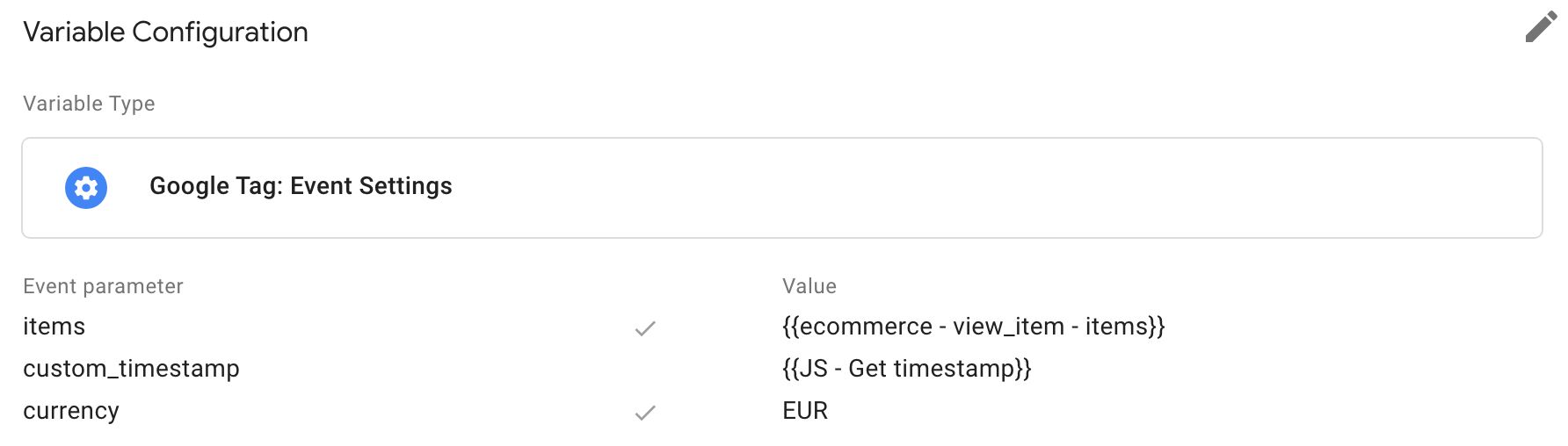
  • Google Tag: Event Settings for setting event fields in the Google Tag template and in GA4 event tags. Official documentation.

Read on for a quick overview as well as my thoughts about these new additions to Google Tag Manager.

Read More…

One Tag to Rule Them All: Introducing the New Google Tag

For the longest time, Google has been working towards consolidation of their products to build a unified tagging platform.

Products that are instrumented (or associated) with “tags” would fall under this umbrella. These comprise tools like Google Tag Manager, Google Ads, Google Optimize, and, of course, Google Analytics.

If you’ve been peeking under the hood, you might have noticed how all the tools listed above already run through the gtag.js library. This Global Site Tag has slowly but surely become the de facto client library used by Google’s tagging platforms on the web.

Read More…