#GTMTips: Cross-Domain Tracking With Server-Side FPID Cookie

The FPID cookie in server-side tagging for Google Tag Manager is an HttpOnly, server-managed ID cookie that’s designed to replace the JavaScript-managed _ga cookie used by Google Analytics 4 and Universal Analytics.

For more details about the cookie itself, check out my previous article on FPID.

In that article, I mentioned one caveat for adopting FPID being the fact that cross-domain tracking will not work.

I mean, how could it? FPID is an HttpOnly cookie, which means it’s not available to JavaScript in the browser. Cross-domain tracking, on the other hand, decorates links dynamically as users click them, which means it needs the cookie to be available via JavaScript so that it could be decorated into the target page URL.

Read More…

#GTMTips: Cross-Domain Tracking With Server-Side FPID Cookie

The FPID cookie in server-side tagging for Google Tag Manager is an HttpOnly, server-managed ID cookie that’s designed to replace the JavaScript-managed _ga cookie used by Google Analytics 4 and Universal Analytics.

For more details about the cookie itself, check out my previous article on FPID.

In that article, I mentioned one caveat for adopting FPID being the fact that cross-domain tracking will not work.

I mean, how could it? FPID is an HttpOnly cookie, which means it’s not available to JavaScript in the browser. Cross-domain tracking, on the other hand, decorates links dynamically as users click them, which means it needs the cookie to be available via JavaScript so that it could be decorated into the target page URL.

Read More…

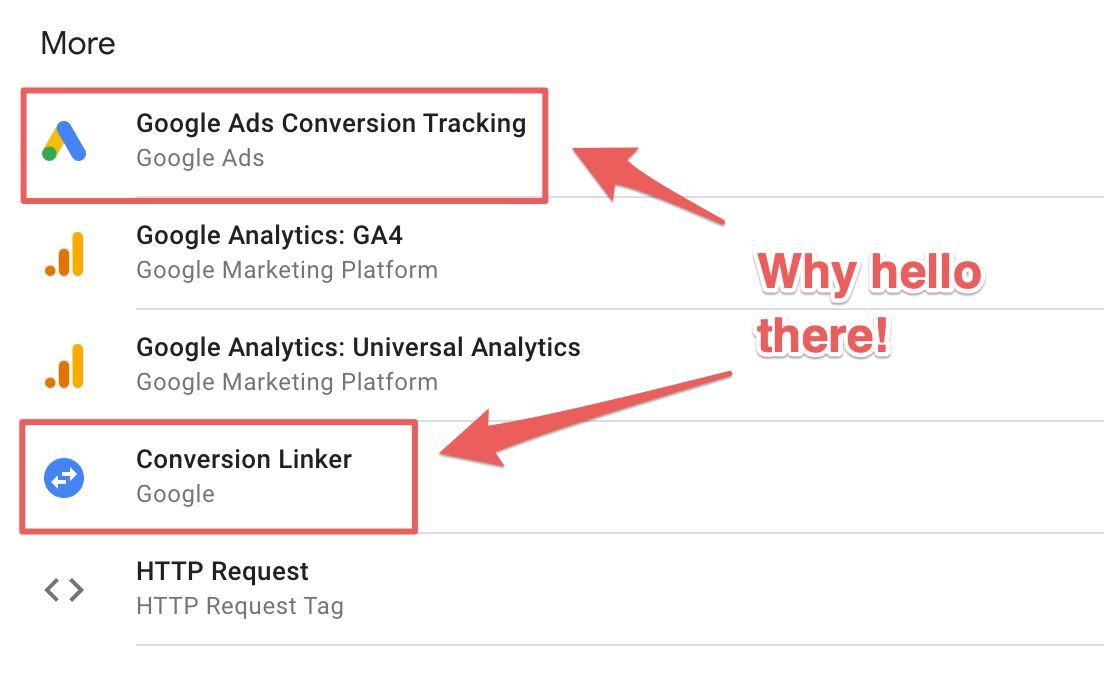
Google Ads Conversion Tracking With Server-Side Tagging in Google Tag Manager

One of the biggest blockers for Google Tag Manager’s server-side tagging to slip out of beta is Google Ads. Until server-side tagging supports a solution for both conversions and remarketing capabilities to be reproduced server-side, it’s unlikely that Server containers will lose their beta label.

While I can’t say what will happen to the beta label now, the fact is that Google Tag Manager has now released support for Conversion tracking using server-side tagging.

Read More…

Deploy Server-Side Google Tag Manager in AWS

Since Google Tag Manager released the manual setup guide for server-side tagging, my mind has been spinning with the idea of walking through the deployment into Amazon’s AWS.

I personally prefer Google Cloud Platform over AWS, because I think it’s so much more user-friendly. Even though in this guide we’ll be utilizing one of the simplest AWS services, Elastic Beanstalk, the deployment is still much more complex than if you were to use GCP’s App Engine.

Read More…

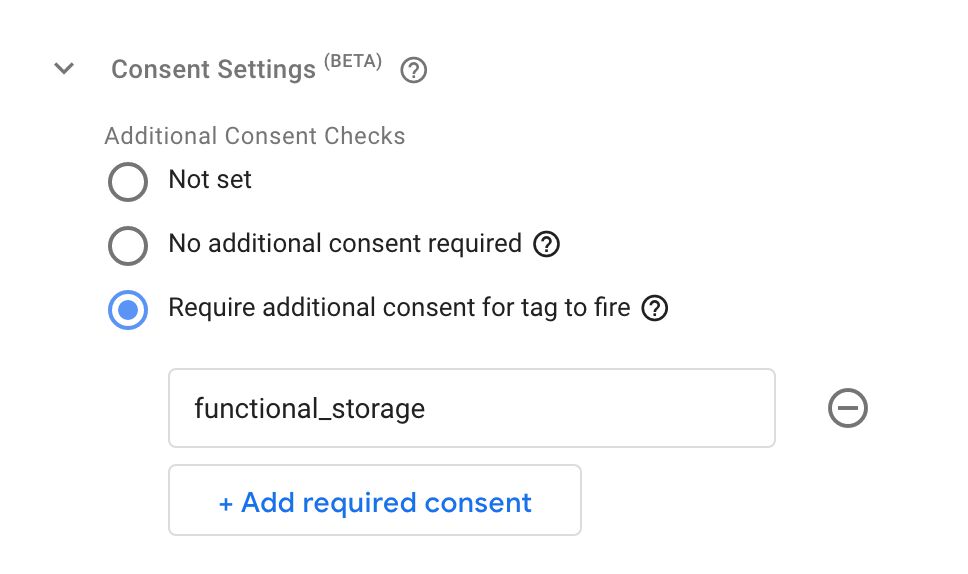
Consent Settings in Google Tag Manager

Last updated 1 December 2023: New consent signals added

Ever since Google Analytics released the first features of consent mode, I’ve been anxiously waiting for news about a more tightly-knit integration with Google’s preferred implementation solution: Google Tag Manager.

In a recent release, Google released a veritable cornucopia of new features that should assist in determining and implementing consent not just across Google tags, but any tags running in the container.

The new features are:

Read More…

Custom GTM Loader for Server-Side Tagging

Important! I really do not recommend using this in production. The only proper way of loading Google scripts from server-side Google Tag Manager containers is to use the official Web Container Client. This template was introduced at a time when the script loading mechanism in server-side Google Tag Manager wasn’t as complex as it was today, and I also noticed that most people use templates like these to avoid ad blockers, which is not something I condone.

Read More…

ReCAPTCHA V3 With Google Tag Manager Server-Side Tagging

I’ve written about Google’s reCAPTCHA v3 before. It’s a verification API, which analyzes the signals fed into it and returns a bot score, based on how “bot-like” the hits are.

It’s a great way to validate whether or not to collect data from certain sources that exhibit bot-like behavior. You’ll want to ignore those in your analytics tools, for example, as they tend to add a lot of (unrealistic) noise to the data set.

Read More…

Provision Server-Side Tagging Application Manually

The automatic provisioning process of the Google Tag Manager server-side tagging service is extremely useful.

With just a few clicks of the button, you can have a fully functional (albeit limited to testing use) server-side tagging endpoint on the Google Cloud Platform (GCP).

For a video overview of the automatic deployment, see this video.

However, the automatic provisioning process creates a new Google Cloud Platform project and, at the time of writing, always deploys the App Engine application (on which the tagging server runs) in the us-central-1 GCP region.

Read More…

#GTMTips: The URL Parser Variable Template for Server Containers

With server-side tagging, you can send any types of HTTP requests to the Server container. The Server container parses these, fires up container instances, and sends the data onwards to first-party data stores and third-party vendors alike.

Often these requests contain URL strings encoded in query parameters. A prime example is the document location parameter in Universal Analytics requests.

Server-side Clients would parse these URL strings and convert them into the format required by the event data object.

Read More…

Facebook Conversions API Using GA4 Web Tags and a GTM Server

Facebook has now officially released their Conversions API tag template for server-side tagging in Google Tag Manager.

With this tag template, you can create a server-side tag that fires with any Client designed to parse requests into a unified event model.

One such Client already exists, and every single Server container has it built-in: the GA4 Client.

If you haven’t yet deployed a Server container, check out this video walkthrough for more details on how to do it.

Read More…

#GTMTips: Map Multiple Domains to a Server-Side Tagging Endpoint

One of the biggest perks of working with server-side tagging is that you can establish a first-party context between the site sending the data and the server-side tagging endpoint itself.

This leads to many benefits, including improved control of the data streams, the possibility to set cookies that extend beyond ITP’s restrictions, and reduced stress on an already very likely overloaded Content Security Policy.

In this article, I’ll show you how to map multiple custom domains to your Google Cloud Project application. I’ll also show you how to configure the container to support previewing all these different domains.

Read More…