Create Slack Notification System for Google Tag Manager Changes

Until recently, I had a feature on GTM Tools that polled the user’s Google Tag Manager container(s) for a recently published version. If one was found, a notification was sent to a Slack app, which forwarded it to a workspace and channel of the user’s choice.

This was fine, except for the fact that polling the GTM and Slack APIs for dozens upon dozens of containers is a total resource hog, and the only way I can maintain GTM Tools is it doesn’t have API leaks like that.

Read More…

Cookieless Tracking for Cross-Site Iframes

Updated 25 May 2021: Added information about using this with GA4. As Google Analytics 4 does not have a mechanism to disable cookie storage, only the second solution (send dataLayer events from iframe to the parent) described in this article will work for GA4.

Here I am, back with <iframe> and cross-domain tracking. I’ve published a couple of articles before on the topic, with my upgraded solution being the most recent one. These articles tackle the general problem of passing the Client ID from the parent to the <iframe>.

Read More…

The Custom HTML Tag Guide for Google Tag Manager

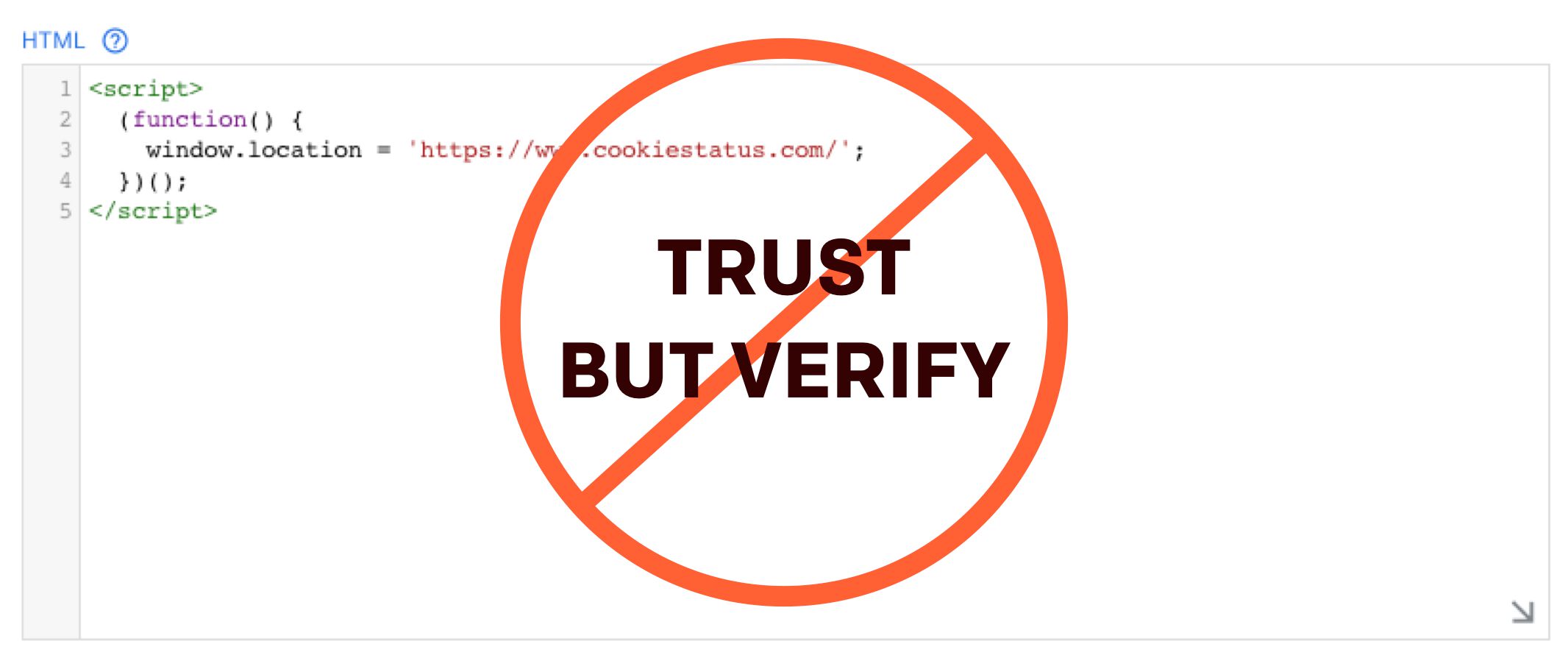
One of the most prominent features of Google Tag Manager since the dawn of time (actually, late 2012) is the Custom HTML tag. This little piece of magic lets Google Tag Manager inject an HTML element to the page. Since time immemorial (still late 2012), it’s allowed us to turn Google Tag Manager from a sandboxed prisoner of the native tag templates to a no-holds-barred client-side content management solution.

In this article, we’ll discuss how the Custom HTML tag works, and what you might be tempted to use it for.

Read More…

CDNJS Hosted Libraries Template for Google Tag Manager

One of the prime things to use Google Tag Manager for is script injection. Loading a third-party JavaScript library is trivial to do with a Custom HTML tag, and works like a charm.

However, using Custom HTML tags for, well, anything, is no longer the preferred way to add custom code to the site. Custom HTML tags are pretty expensive DOM injections, and they can be incredibly dangerous tools (for UX, security, and privacy) in the wrong and/or inexperienced hands.

Read More…

Fetch IP Geolocation Data Using Google Tag Manager

Update 6 April 2020: I updated the template in the gallery to the latest version of the IP Geolocation API SDK, which no longer requires jQuery. Also, the SDK now handles API request caching to browser storage automatically, so the “Enable Session Storage” option was added to the template.

My latest custom tag template tackles a use case I’ve referred to a number of times before, especially in my article on sending weather data to Google Analytics. The problem is two-fold:

Read More…

Persist Campaign Data on the Landing Page

Universal Analytics utilizes two components (by default) to attribute a browser session to a specific campaign: query parameters in the URL and the referrer string.

The page URL is sent with every hit to Google Analytics using the Document location field, which also translates to the &dl parameter in the Measurement Protocol.

The referrer string is sent with a hit to Google Analytics using the Document referrer field, as long as the referrer hostname does not exactly match that of the current page and the referrer string is not empty.

Read More…

Writing Tests for Custom Templates in Google Tag Manager

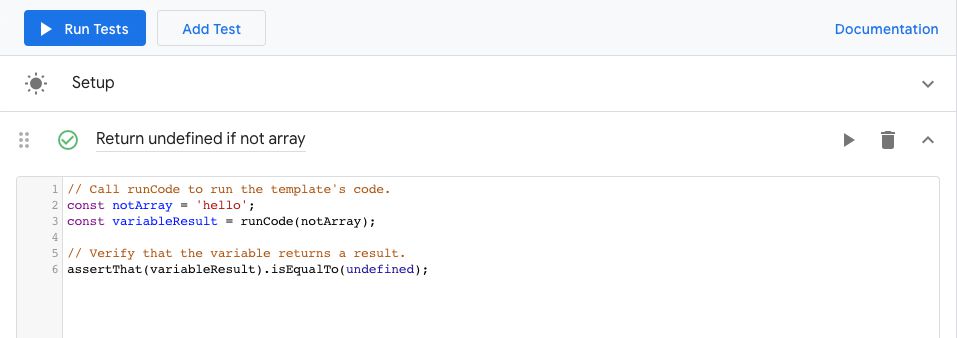
Google Tag Manager introduced the capability to add tests to your Custom Templates. Tests, in this context, refer specifically to unit tests that you write in order to make sure your template code works in a predictable way. Unit tests are also used to drive development, ensuring that you have added contingencies for all the different scenarios that the template, when coupled with user input, might introduce.

In this guide, I’ll introduce how the Tests feature works. Some new APIs are introduced, as well as a grammar of sorts that you might be used to if you’ve already worked with tests in a software development context.

Read More…

Custom Parameter Reporting in Google Analytics: App + Web

In Google Analytics: App + Web, you collect events. One event differs from another event by the name it uses. An event with the name page_view is different from, say, an event with the name file_download.

This is all run-of-the-mill stuff. You know this.

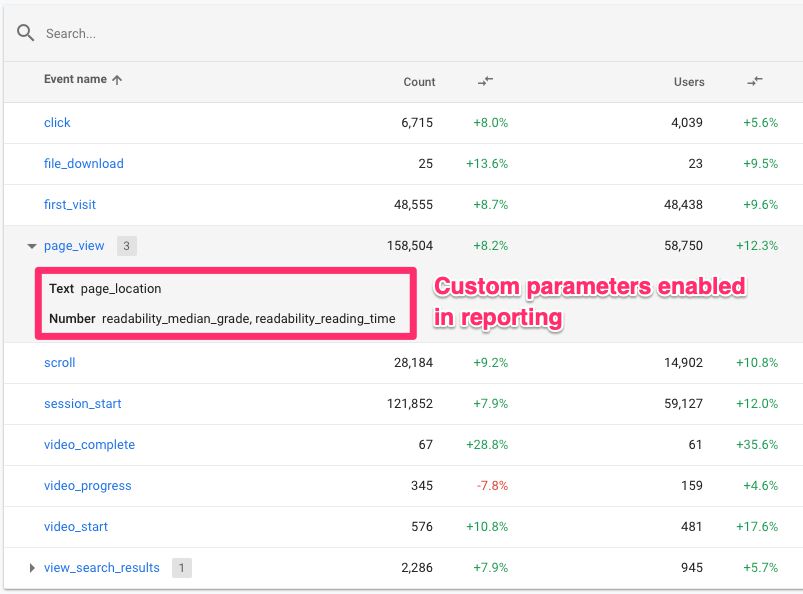
However, the fundamental change that App + Web introduces, when compared to Universal Analytics, is how event parameters are collected and processed.

This gets more complicated than it should be. The complication arises from the fact that there are several components to how App + Web handles event parameters, including:

Read More…

Calculate Readability Scores for Content

There are lots of different readability formulas out there, which seek to provide an index on how readable any given excerpt of text is. Typically, these formulas output a grade-level score, which indicates, roughly, the level of education required to read the text excerpt with ease.

Any “quality index” that seeks to reduce the complexity of something as multi-faceted as reading should be subject to scrutiny. This is true for Bounce Rate, this is true for Time On Page, and this is true for a readability score.

Read More…

Improve Google Analytics Bot Detection With ReCAPTCHA

There are thousands upon thousands of bots, crawlers, spiders, and other creepy-crawlies out there doing nothing but crawling through websites and harvesting the content within for whatever purposes they have been fine-tuned to. While Google Analytics provides a bot filtering feature to filter out “spam” and “bot traffic” from views, this is far from comprehensive enough to tackle all instances of bot traffic that might enter the site.

You might have noticed bot traffic in your data even if you have bot filtering toggled on. For instance, such traffic could be characterized as follows:

Read More…