The Scroll Depth Trigger in Google Tag Manager

Scroll depth tracking in web analytics is one of those things you simply must do, especially if you have a content-heavy site. Tracking scroll depth not only gives you an indication of how much users are digesting your content, but it also lets you turn meaningless metrics such as Bounce Rate into something far more useful.

If you’ve already been tracking scroll depth in Google Tag Manager, you’ve probably been using either Rob Flaherty’s brilliant Scroll Depth jQuery plugin, or Bounteous’ equally ingenious Scroll Tracking recipe. I’m sure you’ll be very pleased to know that Google Tag Manager just released a native Scroll Depth trigger, with which setting up scroll depth tracking will be a doozy!

Read More…
The Element Visibility Trigger in Google Tag Manager

Holy visibility, Batman! Visibility is a seriously undervalued aspect of web analytics tracking. Too often, we fall into the trap of thinking that “Page Views” actually have something to do with “viewing” a page. Or that tracking scrolling to 25%, 50%, or 75% of vastly different pages makes sense on the aggregate level. So you will be very pleased to know that the Google Tag Manager team (who have been on FIRE recently), have just published the Element Visibility trigger. And oh BOY what a trigger it is!

Read More…

Happy 5th Birthday Google Tag Manager!

5 years ago, on 1st October 2012, this lovely video popped up in Google’s Analytics Blog:

It was accompanied by a blog post, which contained a brief look into many of Google Tag Manager’s key features, some of which are still relevant today.

Google Tag Manager is a free tool that consolidates your website tags with a single snippet of code and lets you manage everything from a web interface. You can add and update your own tags, with just a few clicks, whenever you want, without bugging the IT folks or rewriting site code. It gives marketers greater flexibility, and lets webmasters focus on other important tasks.

At this time, those of us who started using the tool immediately, or who had been beta-testing it, saw quickly what the key selling point of GTM was. It was a way to impact change on the website as quickly as possible, without having to wait for a release to be verified and pushed live.

Read More…

Prevent Site Speed Sampling Rate From Skewing Custom Dimensions and Custom Metrics

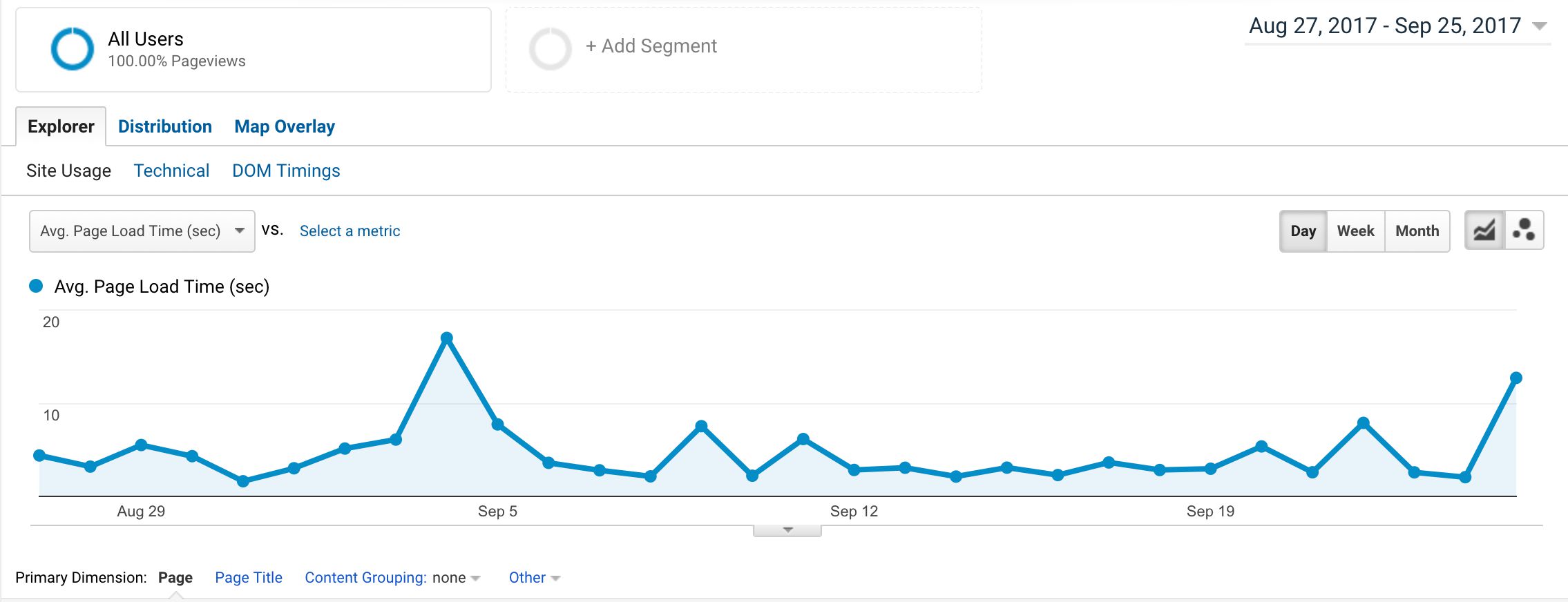
Universal Analytics can collect Page Timing data from users that load your pages. This data is populated in to the Behavior -> Site Speed -> Page Timings report, and it’s a very useful feature for optimizing your website.

However, there’s a murky underside to this generous feature. The way Page Timings collection works is that when Pageview hits are sent from the site, a sample of these (1% by default) are automatically followed by a timing hit which includes page performance data grabbed from the Navigation Timing API.

Read More…

The RegEx Table Variable in Google Tag Manager

Ever since the Lookup Table variable was introduced in Google Tag Manager, users have been craving for more. The Lookup Table does exactly what it promises: lookups. These are exact match operations, which are extremely inexpensive to perform, because they can only have a binary result: either the match exists in the data store being queried or it doesn’t. This performance stays constant even if the data store being queried increases in size. However, exact match has one significant problem: it’s exact match. Thus even though the Lookup Table variable is extremely useful, it’s missing the flexibility of, I don’t know, say, regular expressions. You will be pleased to hear, then, that Google Tag Manager has released a new variable type: the RegEx Table!

Read More…

The YouTube Video Trigger in Google Tag Manager

Last updated 20 April 2020: Clarified how lazy-loaded videos can be tracked with this trigger.

Let’s cut straight to the chase. Google Tag Manager has just released the YouTube Video trigger, which gives you native support for YouTube video tracking. And it’s great! Even though we’ve been more than satisfied with the excellent tracking scripts provided by e.g. Cardinal Path and Bounteous (with a small modification from yours truly), this is a no-brainer for native support in Google Tag Manager.

Read More…

Track Users Who Are Offline in Google Analytics

The steady increase in mobile use over the last years has introduced some new challenges for web analytics. It’s not just about mismatches in the tracking model (the concept of sessions is even more absurd for apps than it is for desktop browsing), but about something more fundamental, more basic. Think about it: if a visitor visits the website using a mobile device, there’s a significant chance of them losing internet connectivity and going unintentionally offline.

Read More…

Two New Unofficial GA Add-Ons for Google Sheets

More often than not, much of what we do in web analytics can be automated. This applies especially to implementations, audits, configurations, and reporting. So when I’m faced with a menial, manual task that might take hours for me to complete if done by hand, I always look at what could be done with some scripting and API work. I want to introduce a couple of Google Sheets add-ons I’ve written and released to the public. They both automate tasks which I found completely ridiculous to do by hand.

Read More…

Google Analytics Settings Variable in GTM

Let’s face it - most of us use Google Tag Manager for one main purpose: to deploy and configure Google Analytics tracking on a website. I’d wager that once you start using GTM, you won’t be implementing Universal Analytics the old-fashioned way, with on-page code, any more. But running Universal Analytics tags through GTM isn’t yet a perfect workflow. We’re still missing things like proper plugin support and the option to properly differentiate between the tracker and the hit - both of which are easy to do with an on-page implementation.

Read More…

New Approval Workflow in GTM 360

Apart from the unlimited number of workspaces, the 360 Suite version of Google Tag Manager didn’t have any differentiation from the free version feature-wise, until today.

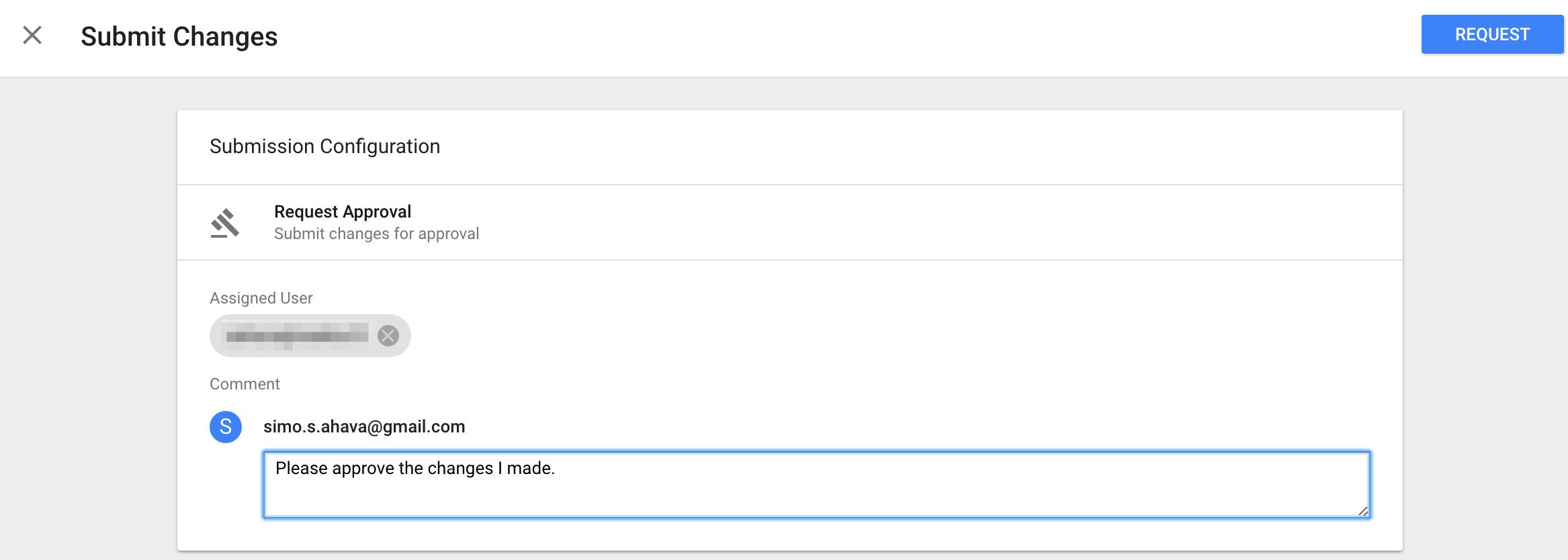
GTM just introduced an approval workflow, which allows you to exercise some additional control over what changes are pushed to the live site, or created into versions.

Note that this update also introduced a small change in the regular GTM UI - mainly, the menu that used to have “Create Version”, “Publish” and “Preview” is now changed into a dual button layout with just Preview and Submit as the options.

Read More…